Important: This topic is for the Classic Record experience. To view the content for the Next Generation Record experience see Records. For information on Classic experiences, see Archer Classic Experiences.
Change the display view of the record nodes from the menu.
On this page
Change the Display View
By default, record relationships are displayed in a hierarchical structure.
-
Go to the Relationship Visualization page.
- From the menu, click the solution workspace.
- Go to the Search Results page, and click the link to the record that you want to view.
- Click
 on the toolbar.
- On the menu, click the option for the structure type you want to see.
Menu options
|
Menu Option |
Description |
|---|---|
|
Hierarchical |
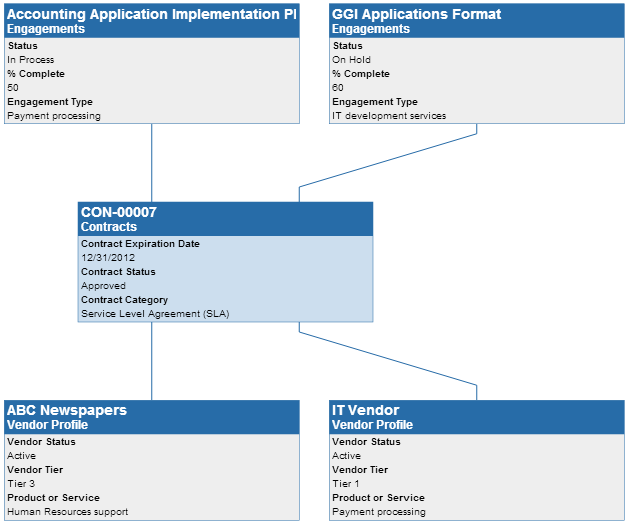
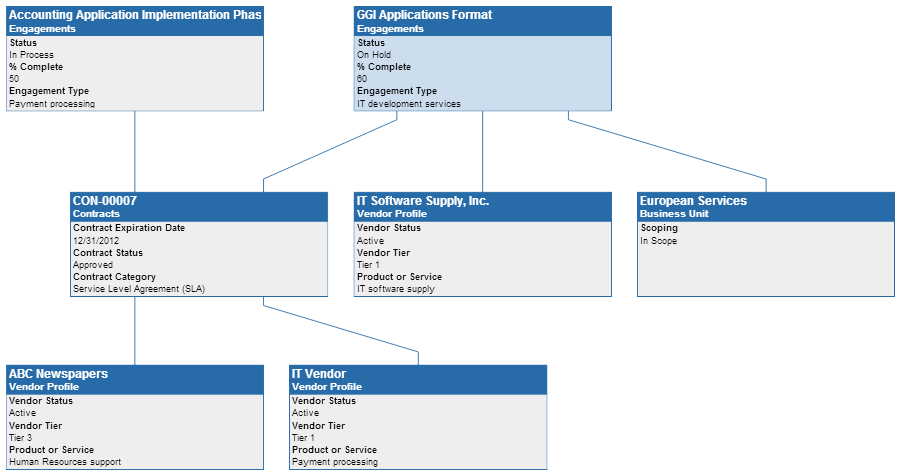
Shows the relationships in a treelike structure with cross-reference relationships above the selected record node and related-record relationships below the selected record node. Hierarchical:
Hierarchical Expanded:
|
|
Circular |
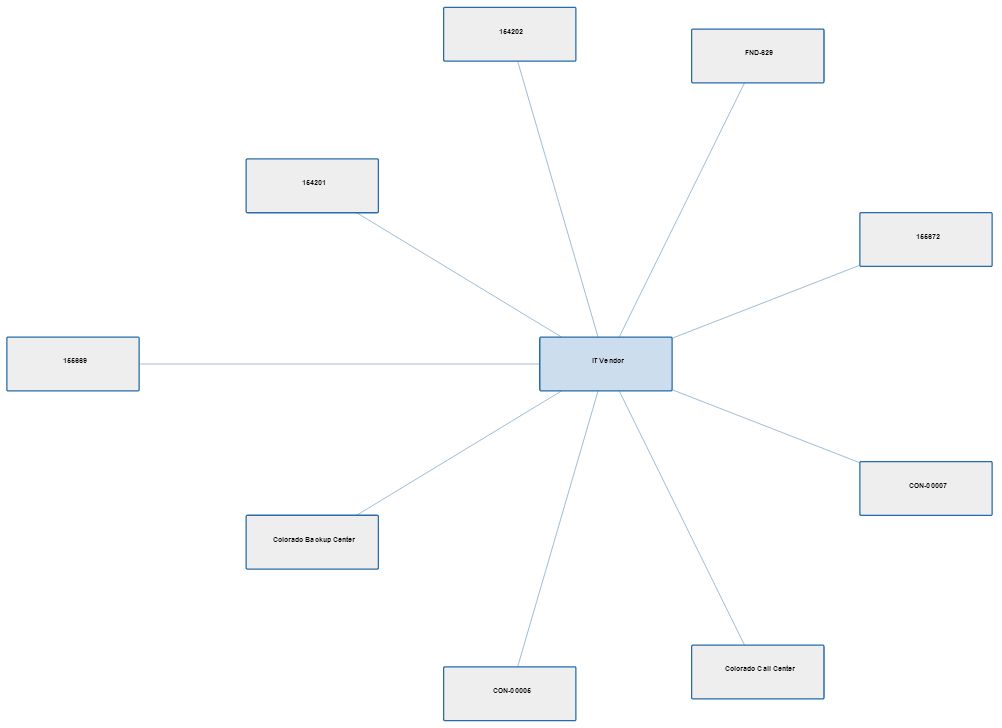
Shows the relationships in the form of a circle.
|
|
Directed |
Shows the relationships in a horizontal structure. If the relationships are not in a treelike structure, this view is not available. If data cannot be displayed in this view, the data is display hierarchically.
|
|
Max |
Hides the Overview pane so that the viewing area is completely expanded. |
|
Min |
Shows the Overview pane. |
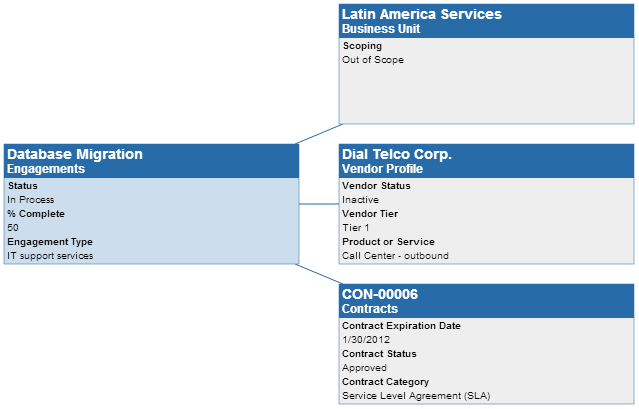
View the Relationships of a Record from the Record Details
-
Go to the record details of the record for which you want to view relationships.
- From the menu, click the solution workspace.
- Go to the Search Results page, and click the link to the record that you want to view.
- On the toolbar, click .
- Do 1 of the following:
- To see the entire view of the image, click Max on the menu.
- To see other relationships of the record, double-click a cross reference or related record.
- To see the fields of the record, scroll the Display Fields section in the Overview pane.
- To edit a record, click Go To Record in the Display Fields list.
- Close the Relationship Visualization page when you are finished viewing the record.